

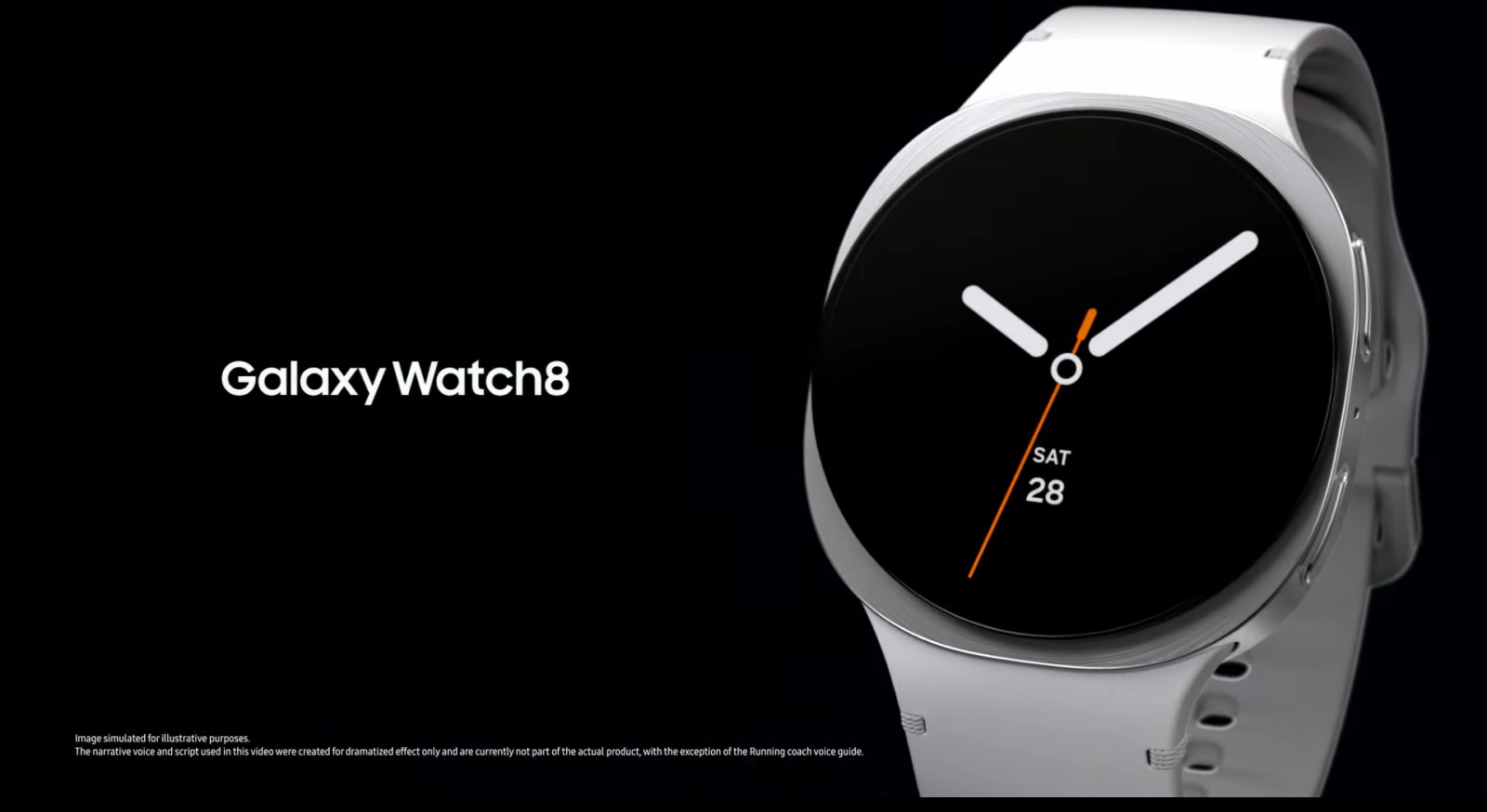
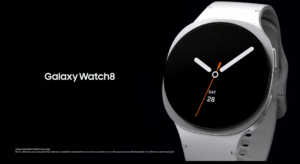
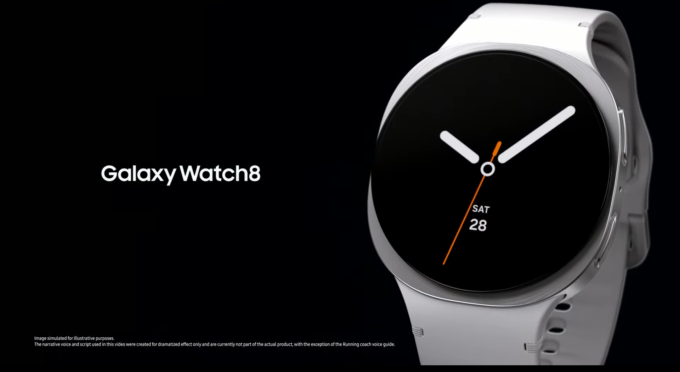
Samsung has started expanding the stable One UI 9 Watch update for the Galaxy Watch 8 and Galaxy Watch 8 Classic, bringing its latest smartwatch software to users in the United States. The update is based on Google’s Wear OS 7 and introduces a redesigned interface, improved Samsung Health features, new fitness insights, and several usability improvements.
The stable rollout initially began in South Korea on November 8, 2026. Now, on November 10, Samsung has started expanding availability to the US. However, early reports indicate that beta participants are receiving the update first, meaning regular US users may have to wait a little longer.
One UI 9 Watch Update: Firmware Details
Samsung is distributing the stable One UI 9 Watch update with firmware versions ending in BZJ7.
The Korean firmware versions reported for the Galaxy Watch 8 lineup are:
- Galaxy Watch 8 40mm: L325NKOU3BZJ7
- Galaxy Watch 8 44mm: L335NKOU3BZJ7
- Galaxy Watch 8 Classic 46mm: L505NKOU3BZJ7
For US beta participants, separate firmware builds have been reported. The Galaxy Watch 8 Classic receives build L500XXU2BZJ7, while the standard Galaxy Watch 8 gets L320XXU2BZJ7.
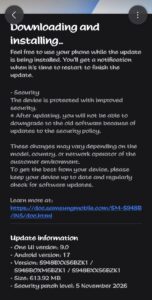
The update package is approximately 2GB for regular users in South Korea. However, US beta testers are receiving a much smaller download of around 158.5MB because they already have most of the software installed.
The update also carries the October 5, 2026 security patch, according to update-screen reports.
What’s New in One UI 9 Watch?
One UI 9 Watch brings several meaningful improvements, particularly for users interested in health monitoring and fitness tracking.
1. Daily Cardio Load
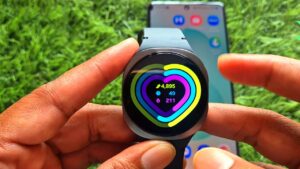
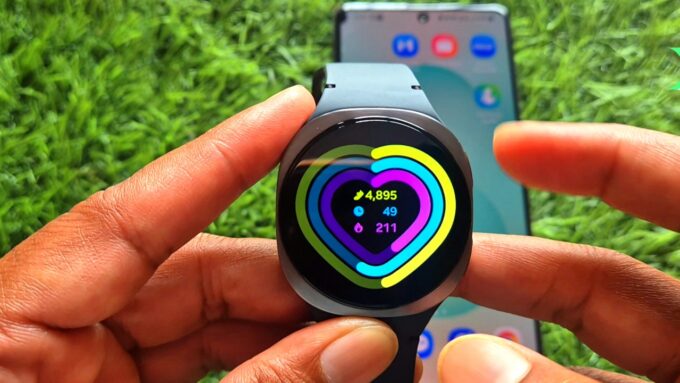
Samsung introduces Daily Cardio Load to help users understand their exercise intensity and training activity. It provides a clearer picture of physical effort and helps users manage their workout routines.
2. Improved Samsung Health
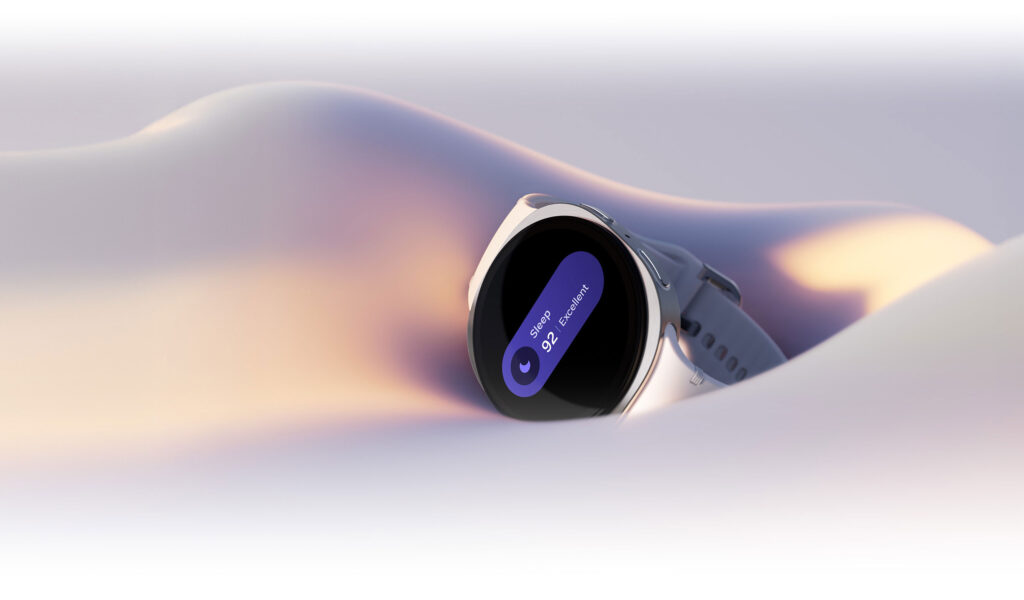
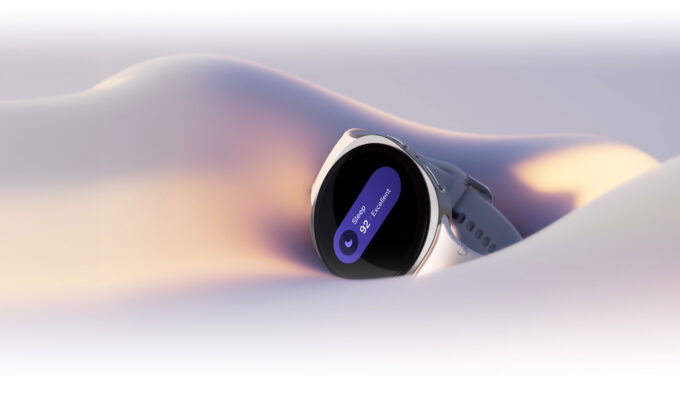
The Samsung Health experience receives improvements, including better health insights and easier-to-understand information. Sleep Vitals and heart health information also get more attention, helping users monitor important wellness measurements.
3. Redesigned Watch Faces and Interface
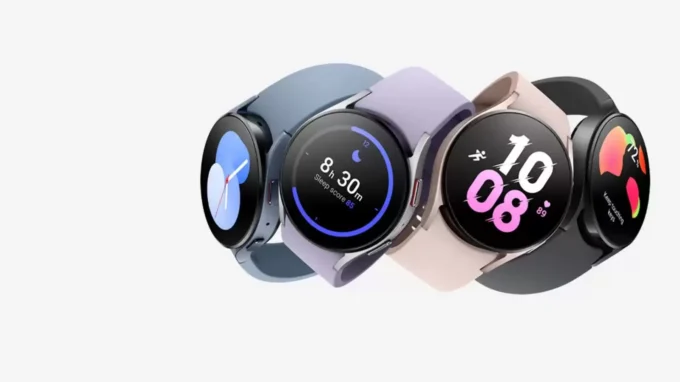
Samsung has refined the overall interface to make information easier to access on the circular smartwatch display. Portrait Watch Faces also offer a more adaptive appearance based on the selected photograph.
4. Improved Galaxy Wearable App
Samsung has redesigned the Galaxy Wearable app experience. Users can explore watch faces more easily, preview their appearance, and access important settings with fewer navigation steps.
5. Better Workout and Navigation Experience
The One UI 9 Watch beta versions also introduced improved workout controls, outdoor waypoint support, and additional camera remote controls. These improvements are worth watching for in the stable release, although Samsung’s complete stable changelog has not been published.
How to Download One UI 9 Watch
Galaxy Watch 8 and Watch 8 Classic owners can manually check for the update using their connected smartphone.
- Open the Galaxy Wearable app.
- Select Watch settings.
- Tap Watch software update.
- Select Download and install.
- Follow the instructions if a new update is available.
Make sure your smartwatch has sufficient battery and use a stable Wi-Fi connection before installing the update.
The stable One UI 9 Watch release marks the end of the lengthy beta-testing period for the Galaxy Watch 8 series. The next important development will be Samsung expanding the update to regular users in more countries and bringing the software to other compatible Galaxy Watch models.

Leave a comment